
Rebranding Done Right: How to Upgrade Your Domain Name Without Confusing Your Customers
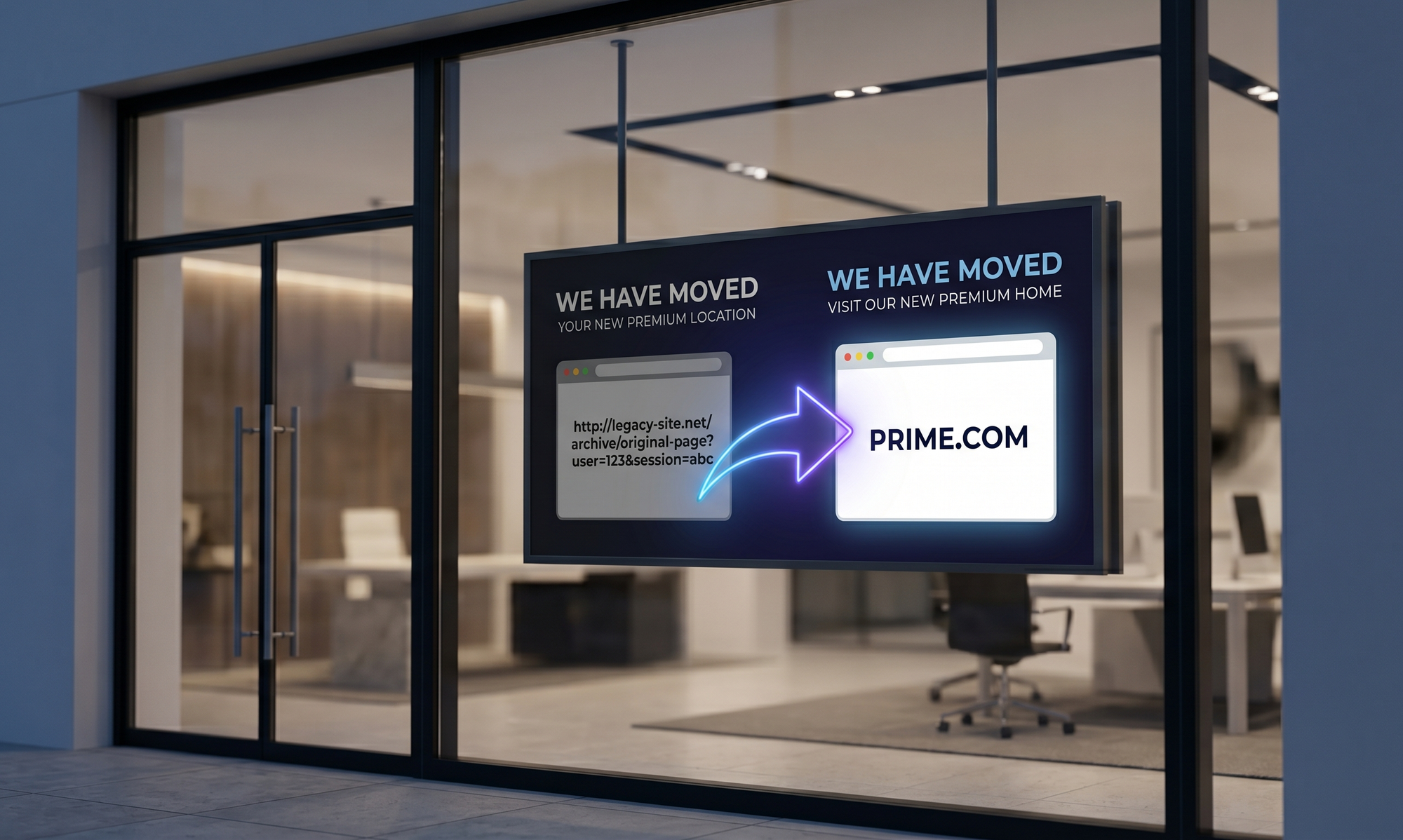
A domain name upgrade is one of the most powerful moves a growing business can make. Upgrading from a clumsy URL (like GetSmithConsultingOnline.net) to a clean, authoritative premium domain (like Smith.com) signals maturity, builds instant trust, and permanently stops traffic leaks.
Have a question about a domain or a pending transaction? Our team replies within one business day.
However, many business owners hesitate to pull the trigger. The fear is always the same: "If I change my domain, will my existing customers still find me? Will I lose my Google rankings?"
The good news is that transitioning to a new domain doesn't have to be a chaotic event. When executed correctly, a domain upgrade is completely seamless for both your human audience and search engines. Here is a step-by-step guide to rebranding your digital presence without losing a single customer.
1. Secure the Asset First
Before you announce any rebranding or make changes to your marketing materials, you must officially secure the new domain name. Premium domains move quickly on the aftermarket, and you do not want to start planning a transition only to find out a competitor bought the name.
Once the domain is safely transferred to your registrar account and you have full DNS control, you are ready to begin the technical transition.
2. The Golden Rule: 301 Redirects
This is the single most important step in any domain migration. A "301 Redirect" is a permanent routing instruction you set up on your server. It tells web browsers and search engines that your website has permanently moved to a new address.
When you implement proper 301 redirects:
- If a customer clicks an old link in an email from three years ago, they will instantly and invisibly land on the exact same page on your new domain.
- If someone has your old homepage bookmarked, it will seamlessly load the new one.
- Search engines (like Google) will automatically transfer the "SEO juice" and authority from your old domain to the new one.
Pro Tip: Do not just redirect your old homepage to your new homepage. Map out your URLs so that specific pages on the old site redirect to the exact corresponding pages on the new site.
3. Migrate Your Business Email
Your domain upgrade isn't just about your website; it is also about your professional communications. Upgrading your email addresses (e.g., changing info@smithconsulting.net to info@smith.com) drastically improves open rates and credibility.
To avoid missing messages, keep your old email addresses active but set them to automatically forward all incoming mail to your new inboxes. Set up an auto-responder on the old address that politely informs senders of your new contact details, training them to use the new premium domain in the future.
4. Inform Google via Search Console
Search engines are smart, but you should still give them a heads-up. Log into your Google Search Console account and use the "Change of Address" tool. This feature specifically notifies Google that your entire website is moving to a new domain.
Alongside your 301 redirects, this tool ensures Google updates its search results as quickly as possible, protecting the organic traffic you worked so hard to build.
5. Communicate the Upgrade to Your Audience
Turn your technical upgrade into a marketing opportunity! A domain upgrade is a sign of business growth, and your customers will celebrate it.
Send out a dedicated newsletter, post on your social media channels, and place a temporary banner on your newly updated website. Keep the message positive and simple: "We are growing! To serve you better, we have upgraded our digital home to a shorter, easier-to-remember address."
6. Update Your External Footprint
Once the new domain is live and the redirects are functioning perfectly, start updating your digital footprint across the web. Update your social media bios, your Google My Business profile, local directories, and digital signatures. Lastly, remember to update any physical marketing materials, such as business cards, brochures, or vehicle wraps, during your next print run.
The Bottom Line
Upgrading to a premium domain is a defining moment for a brand. It is the digital equivalent of moving your headquarters from a hard-to-find backstreet to a prime location on Main Street.
By taking a methodical approach—anchored by 301 redirects and clear communication—you can make the transition smooth, protect your SEO rankings, and set your business up for decades of future growth.
Ready to secure the ultimate digital address for your brand? Explore our curated portfolio of premium domains with a 14-Day Money-Back Guarantee at DomainLions.com.
Have a question about a domain or a pending transaction? Our team replies within one business day.